


₹499MRP ₹1,299
Save ₹800
Free delivery on orders of ₹999 or more. Flat ₹79 delivery below that.
In stock
PS2 to HDMI video converter with 3.5mm audio output for HDTV HDMI monitor supports all PS2 display modes
A converter for the PS2 console, outputs video and audio in fully digital HDMI format and supports PS2 display modes (480i.576i, 480p).
With just one HDMI cable, connect and play for realistic video / audio effects on your TV / monitor.
Connect your HDMI cable from your TV to the PS2-to-HDMI converter unit. Connect the PS2-to-HDMI converter unit to the PS2 output. Connect the supplied USB cable from the PS2-to-HDMI converter unit to the PS2 or a USB wall adapter. The USB cable and connection provide 5V power to the unit.
The WiredCom PS2 must setup for Component Video Output (Y Pb Pr) as opposed to RGB output. If you can't see anything on your TV when using this, you probably need to go into the Configuration Settings (load PS2 without a disc) and scroll through the options to change this.
No reviews yet. If you have used this, yours would be the first.
₹499MRP ₹1,299
Save ₹800


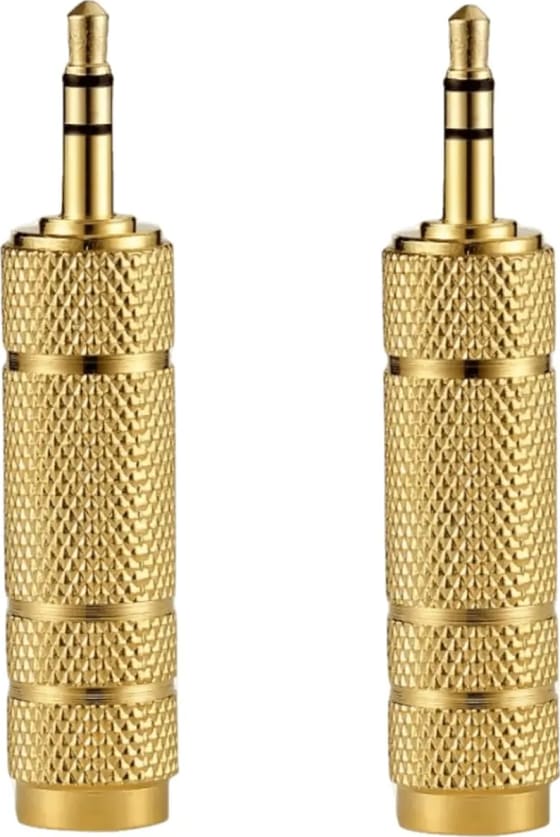
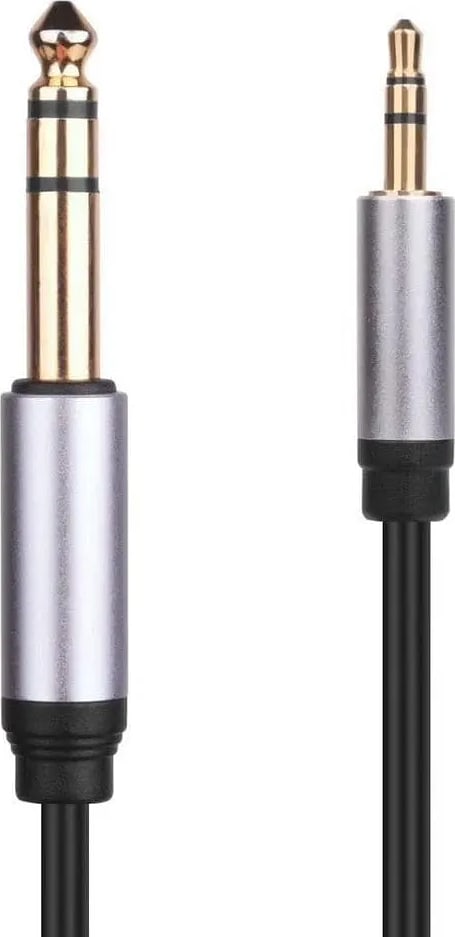
![WiredCom® [ 1 Pieces ] 3.5mm To 6.35mm Jack Audio Adapter Gold Plated 6.5 Jack To 3.5 Jack Aux Cable for Mixer Headset Guitar Amplifier Speakers](https://res.cloudinary.com/dpd4rgjik/image/fetch/e_trim:10/e_sharpen:60/f_auto,q_auto,w_560,c_limit/https%3A%2F%2Fwhwuicufcwoshpssrobl.supabase.co%2Fstorage%2Fv1%2Fobject%2Fpublic%2Fproduct-images%2Famazon-import%2F1785302725093-xsiwgx-41j9dj3avtl.webp)

₹649MRP ₹1,499
Save ₹850
₹899MRP ₹1,999
Save ₹1,100
₹529MRP ₹1,299
Save ₹770
From ₹249MRP ₹599
Save ₹350
₹679MRP ₹1,299
Save ₹620
₹949MRP ₹2,299
Save ₹1,350
₹949MRP ₹1,699
Save ₹750